> For the complete documentation index, see [llms.txt](https://help.dscout.com/llms.txt). Markdown versions of documentation pages are available by appending `.md` to page URLs; this page is available as [Markdown](https://help.dscout.com/privacy-and-feedback/submitting-product-feedback.md).
# Submitting product feedback
Have thoughts on how we can improve Dscout? You can send them our way directly from the Dscout platform.
**To submit product feedback:**
{% stepper %}
{% step %}
In the sidebar navigation menu, click **Help & feedback**.

{% endstep %}
{% step %}
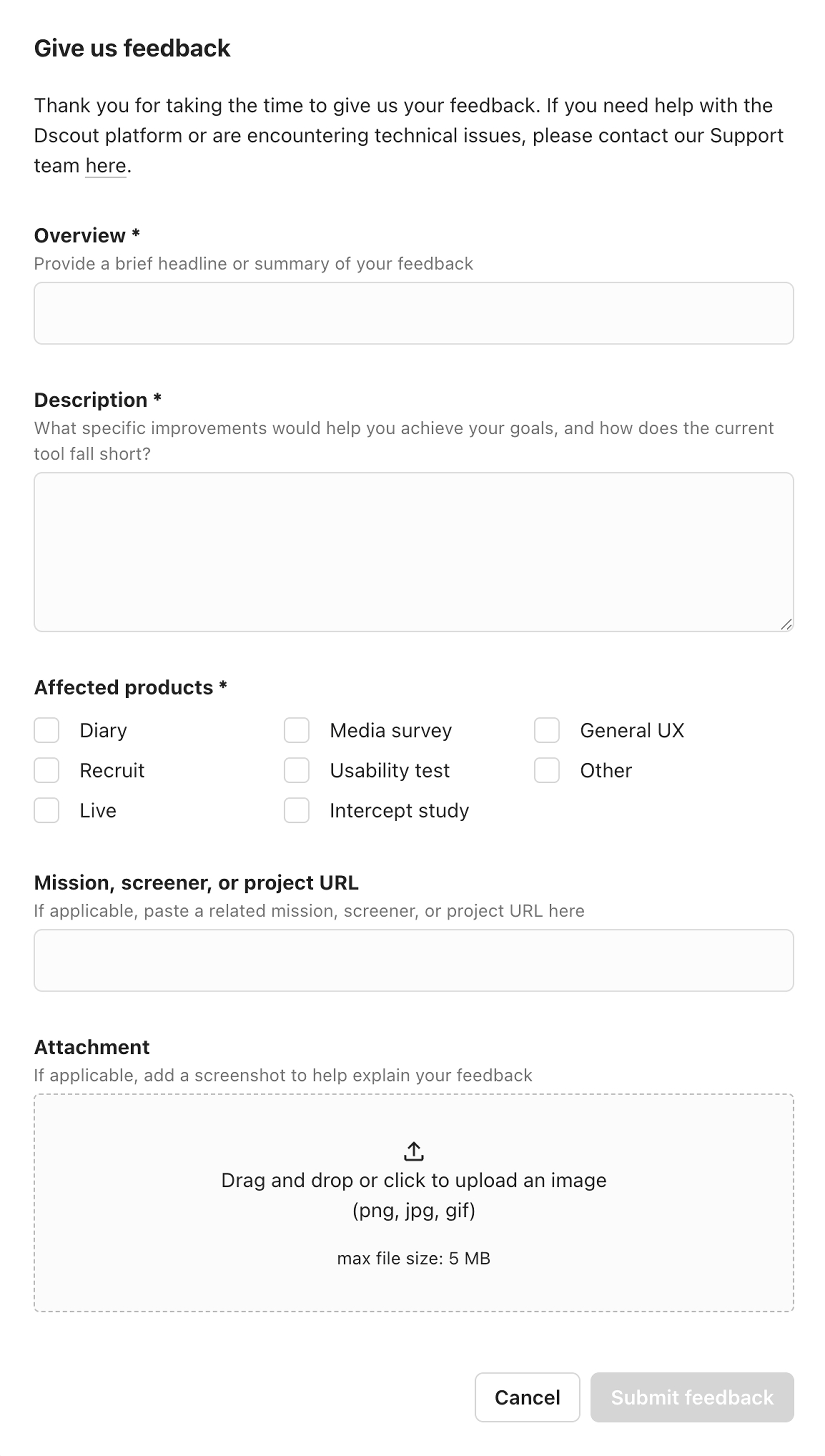
Select **Give us feedback**. A feedback form is displayed.

{% endstep %}
{% step %}
Complete the form with your thoughts. Feel free to include a link to your study or screener, and any screenshots you feel might be relevant.